
How to Build a Local SEO Plan for Multiple Service Areas
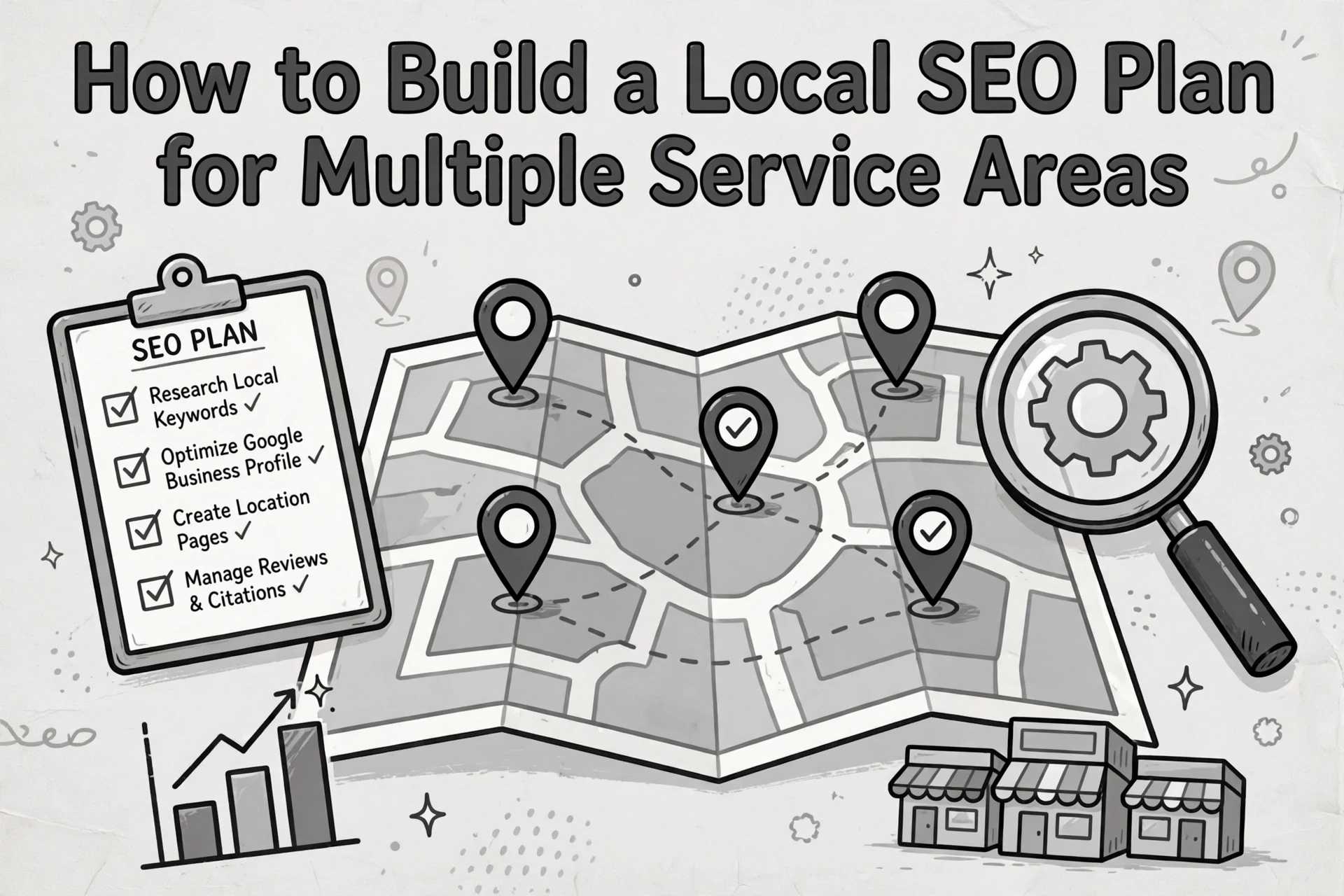
Quick Summary: Build a multi-area local SEO plan by mapping only the cities you truly serve, then creating one unique, proof-rich page per priority area instead of thin doorway pages. Keep your Google Business Profile and NAP details consistent, add verifiable local reviews and photos, and pair each location page with a matching ad landing page. Track leads per city, not just rankings, and double down on areas that convert. Most businesses see results in 3 to 6 months, with fewer strong pages beating dozens of weak ones.
A roofing company might serve six cities, but a homepage that just lists them gives Google and buyers no reason to pick it in any one. That's the gap this guide fixes. You'll learn geo-targeted SEO step by step: service area pages that rank, local proof that converts, and paid ads that match. Harrigan Creative has built these plans for Ohio service businesses for years. Here's the compact framework we use.
Step 1: Map Your Real Service Footprint
Start with where you actually work, not where you wish you did. Google caps service areas at 20 and keeps the whole area within about two hours of driving time, so honesty pays.
Choose Markets You Can Actually Serve
List every city, ZIP code, or neighborhood your team regularly drives to. Then cut the ones you'd turn down or charge extra to reach. A service-area business gets one profile for its entire area, so fake city listings only invite suspension. Keep the list tight and real.
Match Search Demand to Business Value
Now layer in demand. Geo-targeted SEO works best when a city has search volume and a job value worth chasing. Google ranks local results on relevance, distance, and prominence (see Google's own breakdown), so prioritize towns close to your base where jobs pay well.
Also Read: 7 Lead Generation Assets Digital Marketing Teams Should Build
Step 2: Build a Clear Service-Area Website Structure
Good geo-targeted SEO starts with a site where every page has one clear purpose. No page tries to serve every city and every service at once.
Give Every Page One Clear Job
Your main service pages answer "what do you do?" Your location pages answer "do you work here?" Keep them separate. Use a simple hub: a /locations/ page linking to one page per priority city, each with unique proof like local reviews, photos, and neighborhoods served. Each page needs one call to action, one audience, and content you could not produce with find-and-replace.
Avoid Doorway-Style City Pages
Copy-pasting one template and swapping city names is the classic doorway page pattern. Google's own guidance flags city pages that funnel everyone to the same destination as spam. Build fewer pages with real local detail instead - Search Engine Land recommends making each one the final answer for that town, not a detour.

Step 3: Optimize Profiles, Pages, and Local Trust Signals
Your Business Profile and service pages must match what people actually search for. Google ranks local results on relevance, distance, and prominence, and it says businesses with complete, accurate info rank better.
Keep Business Information Accurate
- Verify your Google Business Profile and fill in every field: hours, phone, categories, and service areas.
- Keep your name, address, and phone (NAP) identical everywhere - site footer, directories, social profiles. Small mismatches hurt rankings.
- Pick the most specific primary category. "HVAC Contractor" beats "Contractor."
- Update hours before holidays and remove old service areas.
Tip: Service-area businesses can hide their street address but still verify it with Google.
Add Proof That Searchers Can Verify
- Ask for reviews after each job, then reply to every one - positive and negative.
- Add real photos of your team, trucks, and finished work each month.
- Show city names, testimonials, and completed projects on each service page so each location's proof is verifiable and recent.

Step 4: Connect SEO, Paid Media, and Measurement
Create One Conversion Path per Priority Area
Each priority city needs one clear path: a location page, a matching ad landing page, and the same phone number and form on both. Add UTM tags to links so you can tell organic traffic from paid traffic. Google's Business Profile performance report tracks calls, clicks, and bookings by profile, so set one up per service area.
Measure Leads, Not Just Rankings
Rankings feel good, but leads pay bills. Track calls, form fills, and booked jobs per area in a simple spreadsheet. Compare organic and paid leads monthly. Cut spend on areas that never convert, and invest more in the ones that do.
Want a multi-area local SEO plan that actually brings in calls? Harrigan Creative builds it for you. Book a free strategy call today.
Frequently Asked Questions
Q1: How can businesses build SEO plans for multiple service areas?
Start with one page per city or region, each with unique content, local reviews, and clear contact details. Then track rankings and leads per area so you can double down where demand is strongest.
Q2: Should I create separate landing pages for every city I serve?
Yes, if you can give each page real local content. Duplicate pages with swapped city names get ignored, so add local photos, jobs, and testimonials to each one.
Q3: How long until a multi-area local SEO plan shows results?
Most businesses see movement in 3 to 6 months. Less competitive areas often rank faster, so use early wins there to fund and justify work in tougher markets.
Q4: Can Google Business Profiles cover multiple service areas?
One profile per physical location is the rule. Service-area businesses set a single profile and list the areas they serve, keeping the name, category, and service details consistent.
Conclusion
A strong multi-area plan comes down to a few moves: build pages around real markets, keep each one unique with local proof, match paid campaigns to the same pages, and track leads per city. As Search Engine Land's multi-location guide notes, scale clarity, not page count - fewer strong pages beat dozens of thin ones.