Webflow vs Framer: Which Platform Fits a Custom Business Website?
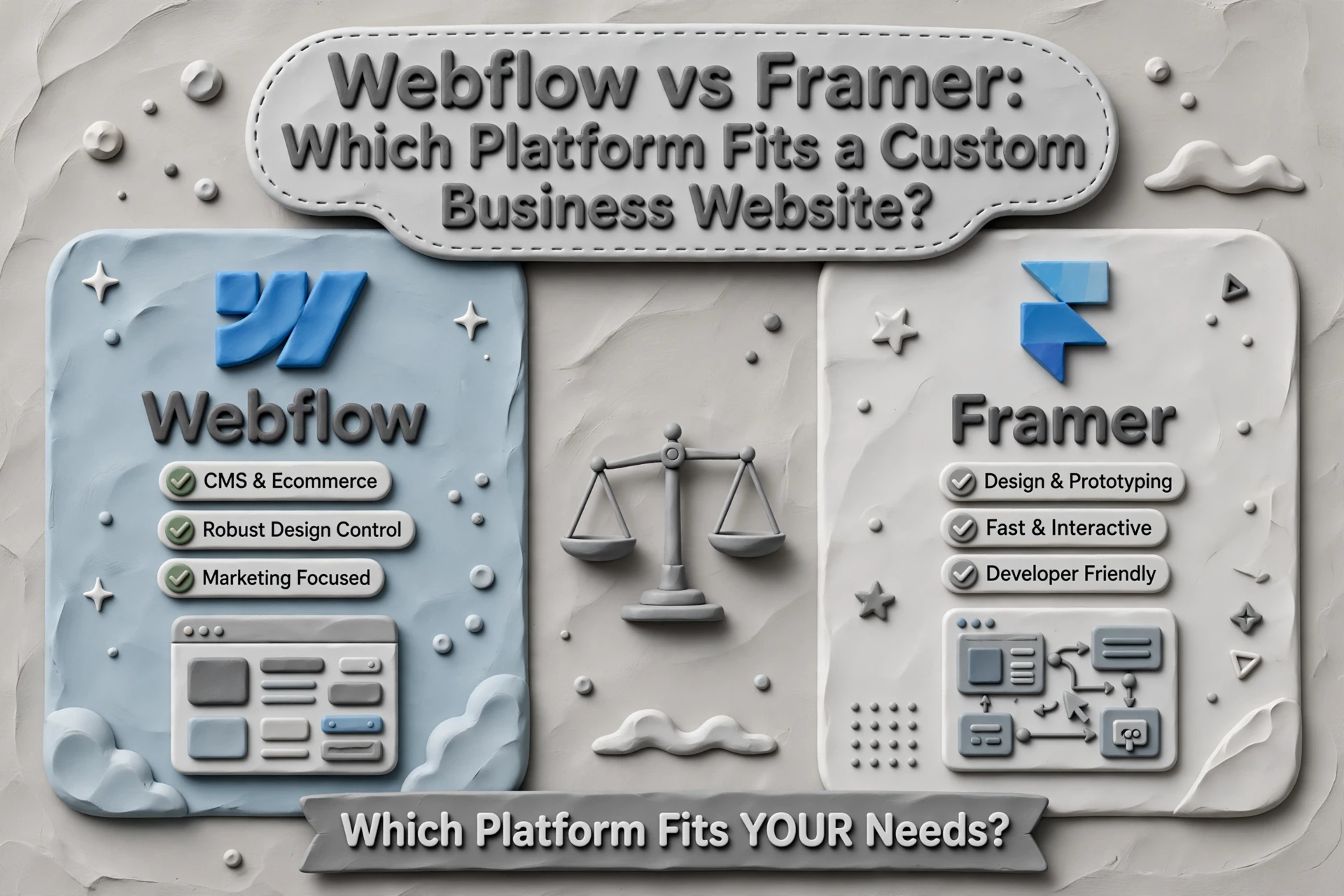
Quick Summary: Webflow is the stronger choice for local service businesses that need SEO depth, scalable CMS, and code ownership, while Framer wins for fast, design-heavy launches with fewer pages. The article's page count test says under 15 pages works on either, but 15-50 pages or a monthly blog points to Webflow, and growing locations or service lines makes Webflow the clear winner. Framer locks you into its hosting with no code export, whereas Webflow handles up to 20,000 CMS items and integrates with tools like HubSpot and Zapier. For most growing businesses, Webflow provides the better long-term foundation.
A plumber or law firm does not need a pretty website. It needs one that makes the phone ring, ranks for local searches, and grows with new services. That choice - Webflow vs Framer - decides your foundation. The Webflow vs Framer debate usually comes down to SEO depth versus speed. In this Webflow vs Framer comparison, we give a clear pick for each business stage.
Webflow vs Framer for a Custom Business Website
| Webflow | Framer | |
|---|---|---|
| Custom design control | High visual and CSS-level control | Excellent canvas control and built-in motion |
| Local SEO and content growth | Strong CMS, metadata, redirects, sitemap, and structured content options | Solid SEO basics and CMS, with less depth for complex content systems |
| Lead generation | Flexible forms, custom landing pages, integrations, and tracking code | Suitable for standard forms, landing pages, and marketing integrations |
| Ease of ongoing updates | Powerful, but requires more training and governance | Fast for designers and small teams to edit visually |
| Best fit | Growing businesses, agencies, and SEO-led websites | Smaller, design-led sites that need to launch quickly |
How Webflow and Framer Compare
Webflow
Webflow is a structured visual website builder built for custom marketing sites and scalable content. It suits growing businesses and SEO-led teams that need deep control. Updates take more training, but the flexibility pays off.
Key strengths:
- Strong CMS, metadata, and redirect tools for local SEO
- Flexible forms, landing pages, and tracking integrations
Framer
Framer is a design-first platform made for fast launches and polished, animated sites. It fits smaller, design-led businesses that want to go live quickly. Its SEO basics are solid, though complex content systems have limits.
Key strengths:
- Fast visual editing for designers and small teams
- Built-in motion and excellent canvas control
Custom Design and Conversion Experience
Both platforms let you build a site that looks custom, not templated. Webflow gives you deeper control over structure and interactions. Framer wins on speed: it feels like Figma, so design-to-live happens in days, and its hosting keeps pages fast with pre-rendering and edge delivery.
When you're running local ads, a slow page burns your ad spend. Speed and a clear call to action matter more than fancy effects.
When Framer's Speed Is the Real Advantage
If you need campaign landing pages fast, Framer is hard to beat. Sites ship with strong Core Web Vitals by default, including an LCP around 1.1s, because pages pre-render on Framer's edge network (Framer performance details). For small businesses testing offers or running seasonal promotions, that means launch a page today, run ads tomorrow. Framer's design canvas also keeps everything editable without a developer (see its builder workflow).
Webflow fits better when you need complex service structures, deeper CMS logic, or granular control as your content grows.
Also Read: Custom Development vs CMS Development: What to Choose
Local SEO, Service Pages, and Future Content
Your website should grow with your business. A plumber adding a second city, a landscaper adding fence installation - each new service and location needs its own page to rank in local search. Webflow's own guidance on location pages shows how dedicated pages per market lift visibility. Framer can build these, but its CMS was made for portfolios, not fifty city pages plus a blog.
The Page Count Test
Before you pick a platform, answer one question: how many pages will you need in three years?
- Under 15 pages and no blog? Either platform works.
- 15 to 50 pages, or a monthly blog? Webflow's CMS handles that comfortably.
- Growing locations or service lines? Webflow wins clearly.

At Harrigan Creative, we build every client site so new pages take minutes, not a rebuild.
Maintenance, Marketing Operations, and Total Fit
Who runs the site after launch matters more than the launch itself. Framer suits lean teams that edit rarely and want fast, design-led updates. Webflow fits businesses adding service pages, blogs, and CRM-connected forms, thanks to deeper CMS limits and integrations like HubSpot and Zapier (Windmark). Framer also offers no code export, so you are locked into its hosting (Litmus).
| Factor | Webflow | Framer |
|---|---|---|
| Code export | Yes | No |
| CMS scale | Up to 20,000 items | 10-30 collections |
| Best fit | Content and SEO growth | Fast, simple sites |

That is why we build custom client sites on Webflow at Harrigan Creative: you keep full ownership of assets and room to grow.
Also Read: 7 Conversion-Focused Website Features Service Businesses Need
Which Should You Choose: Webflow or Framer?
For most local and growing service businesses, pick Webflow. Its deeper CMS, cleaner SEO controls, and code ownership make it the stronger long-term foundation, especially if organic search drives leads. Comparisons from agencies using both agree on one thing: Framer wins for fast, design-heavy launches, Webflow wins for scale.
| Your Situation | Best Fit |
|---|---|
| Lead-gen site with service pages, blog, local SEO | Webflow |
| Quick launch, few pages, heavy animation | Framer |
| Content you'll grow over years | Webflow |
Not sure? Many guides suggest testing one page type on each. Or ask us - Harrigan Creative builds sites that rank and convert.
Still torn between Webflow and Framer? Harrigan Creative builds custom, search-friendly websites that turn visitors into leads. Book a free consultation today.
Frequently Asked Questions
Q1: Which website platform suits a custom business website?
Webflow. It offers stronger SEO control, content scaling, and CMS flexibility than Framer.
Q2: Is Framer bad for local SEO?
Not bad, just lighter. Webflow handles location pages better.
Q3: Can I switch later?
Yes, but migrations cost time and rankings.
Conclusion
Framer suits fast, design-led launches. Webflow fits content-heavy, SEO-driven growth. For local businesses building service pages that rank, Webflow is usually the stronger long-term foundation.